
To check an RFID pet door for drafts, mount the sample in the intended panel and test the flap in still air first. Then check for airflow around the flap and around the outer frame, and repeat the closing check under a light, steady airflow. Record RFID recognition, flap return and latch engagement separately. A recognized tag tells you the reader worked. You still have to see what the flap did afterward.
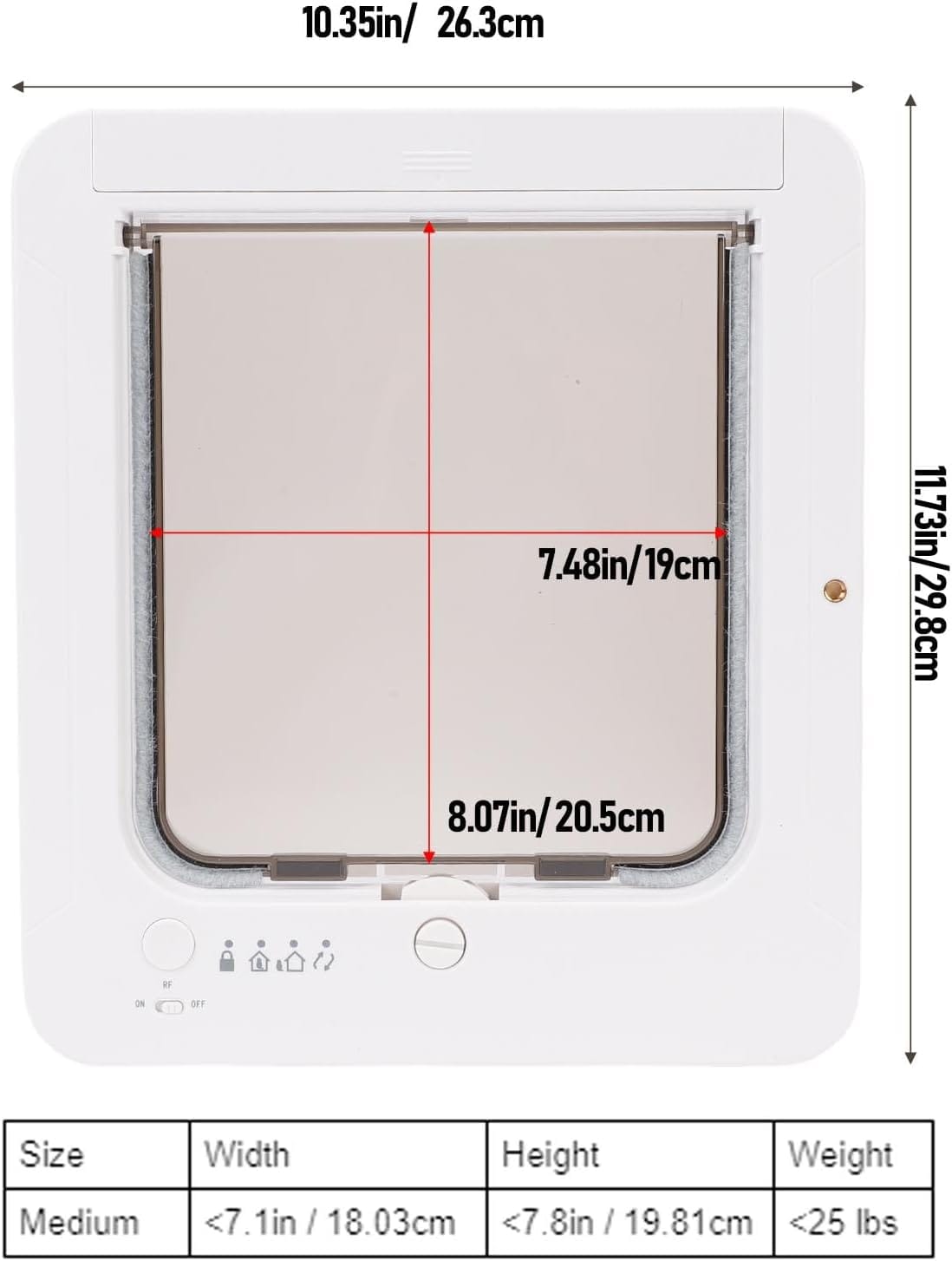
Set up a sample that matches the retail product
Use the exact model and access configuration you intend to sell. Record the panel material and thickness, the fitting method and whether you used an adapter. Check that the frame sits square and follow the supplied installation instructions. Keep animals away from the bench test so you can repeat the same release, airflow and observation on every sample.
The HLC-PD-101 product page lists RFID collar-tag access as an option. For that configuration, include the supplied tag and record which access mode you tested. Confirm the expected behavior in that mode before evaluating the latch.
Check where the draft comes from
- Start in still air. Open the flap and release it from comparable positions on each permitted side. Watch for rubbing, an uneven return, a bounce or a flap that looks closed without engaging the latch.
- Check the two perimeters. Hold a light strip of tissue near the flap edge, then near the joint between the frame and panel. Hold it clear of the moving flap and latch. This can help you distinguish a gap at the flap from a gap in the mounting area.
- Repeat with steady airflow. Use the same fan placement and setting while comparing samples. Test from both sides if the product is intended for that exposure. Record changes in the flap return and latch separately from the tissue observation.
- Run the RFID cycle again. Present an enrolled tag, open the flap in the permitted direction and allow it to return. Confirm whether the latch settles in the expected state. Follow the product instructions for the selected mode and record the outcome.
Match the observation to the next check
| What you observe | What to inspect next |
|---|---|
| The flap drags in still air | Frame alignment, panel cutout and interference with the flap |
| Air movement is strongest at the outer frame | The interface between the frame, adapter and panel |
| The flap returns in still air but hangs open when airflow changes | Whether the same result repeats on a second sample with the same setup |
| The reader recognizes the tag and the flap returns, but the latch stays out of position | Latch engagement, access mode and expected behavior in the product instructions |
Write a retail claim you can support
Save a side-view video of the flap closing and a photo of the mounting setup. Note the model, sample revision, panel and which repeats showed the issue. The tissue-and-fan check is useful for comparing samples. An airtightness rating, waterproof rating or wind-speed claim needs its own supporting test data.
Will a loose flap or a draft always be an RFID fault?
Drafts and closing problems can come from the frame, flap or installation even when the reader recognizes the tag. Record the three outcomes individually before changing the tag or replacing parts. For a metal mounting panel, also follow the metal-panel RFID recognition test.
When requesting a retail sample, tell us the panel material, the access configuration you plan to offer and whether the installation will be exposed to outdoor airflow. Use the inquiry option on the HLC-PD-101 product page to discuss the model and sample requirements.
