
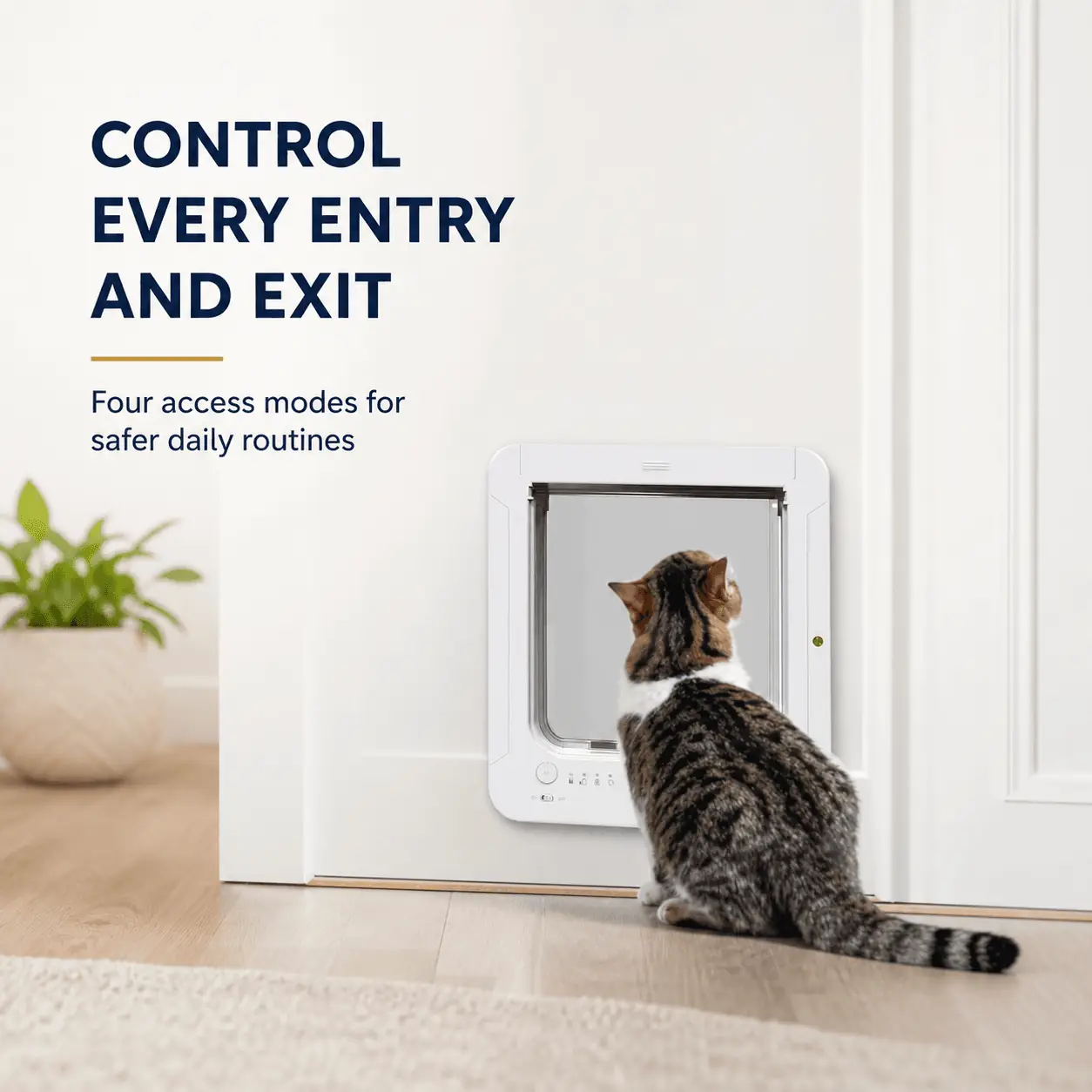
Before a shopper orders an RFID pet door, they should be able to answer three questions from the listing: Which version am I buying? Will my pet fit through it? What opening does the installer need to make? Answer those questions next to the variant selector, where customers make the purchase decision.
Name the access technology on each variant
For HAOLINCHEN HLC-PD-101, our smart pet product factory offers a four-way locking door with an optional RFID collar-tag configuration. On a retail page, make the distinction visible in the variant name and pack contents. If your approved order includes tags and a collar, say exactly what comes in that box. A customer who sees the term “microchip” may expect the door to read their pet’s implanted chip. Describe the supported identification method explicitly.
Show which movement the four-way settings permit. Explain the RFID behavior separately using your approved sample and manual. That lets the customer distinguish an access mode from the way the door recognizes a tag.
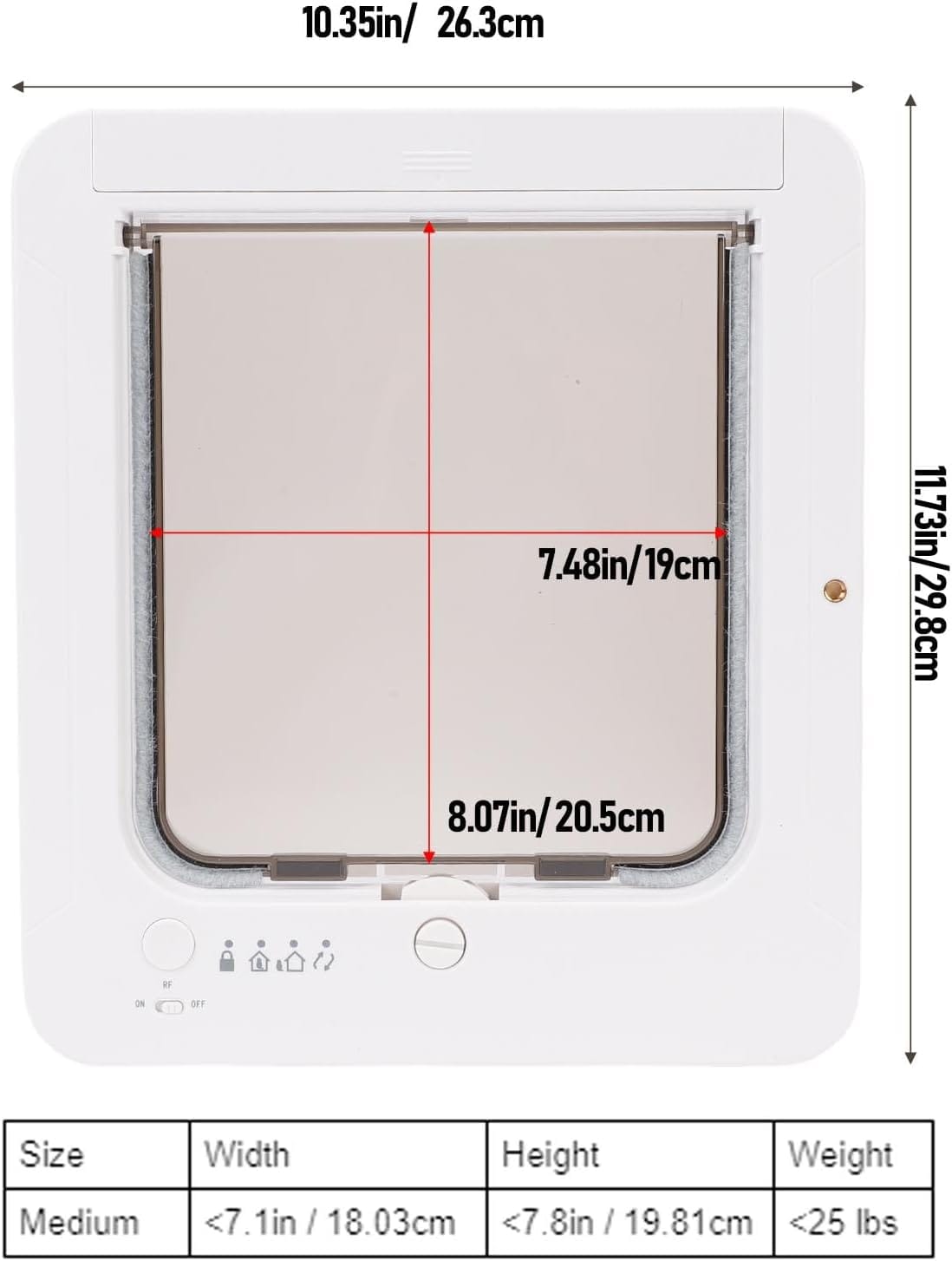
Show three measurements, each with its own diagram label
| Measurement | What the shopper needs it for |
|---|---|
| Clear pet passage | Compare the available opening with the pet. HLC-PD-101 lists a 205 × 190 mm door opening. Check actual fit before buying. |
| Installation cutout | Check the opening the installer must make against the template for the version being sold. |
| Outside frame and panel fit | Check frame clearance and the supported panel thickness and material against the approved installation instructions. |
Keep the opening and cutout on separate diagram callouts. Put the units next to every measurement. If the shopper has an existing cutout, have them compare it to the installation template before ordering. For any panel type that requires a different installation method, put that guidance alongside the fit information.
List what customers can replace
Give your customer-service team a reference for the exact tag that works with each RFID version. If you plan to sell replacement tags, set up the spare SKU with the same compatibility wording used on the product page and in the manual. Keep the enrollment or replacement instructions easy to find so a lost tag can be handled without a full product return.
Approve the listing against one actual box
Open a production-intent sample and compare the contents, labels, dimension diagram, quick-start instructions and variant name with the listing. A colleague should be able to tell the standard and RFID boxes apart using only the carton label and your stock record. When selling in multiple languages, carry the same SKU, numbers and included accessories across every version.
For checking tag pairing and recognition, use our RFID pet door sample-testing guide. If you are choosing a version for retail or private label, review the HLC-PD-101 configuration with HAOLINCHEN and confirm the installation template and pack contents for the version you intend to stock.
