

Many private-label projects begin with questions about color, packaging, MOQ and price. For a connected tracker, the more important early questions are: Who owns the app? Where is the data stored? Who pays for the SIM, maps and push notifications? How are bugs fixed? What happens if the supplier or cloud provider changes?
This guide helps brands, distributors and Amazon sellers evaluate the software and service layer before committing to an OEM project. For the wider product and commercial process, use Haolinc’s Pet GPS Tracker OEM, Wholesale & Private Label Guide.
1. Map the Complete Pet Tracker Stack
Ask the supplier to draw the data path from the animal to the user’s phone. The diagram should identify every party that receives, stores or processes information.
GNSS + Sensors
SIM / Network
Device + User Data
Maps + Notifications
iOS / Android
For each layer, record the provider, account owner, country or region, contract term, recurring fee, support contact, data responsibility and replacement option. If a supplier cannot explain one layer, the buyer does not yet understand the product being purchased.
2. Choose the Right App Ownership Model
| Model | What the Buyer Receives | Advantages | Main Risks | Best Fit |
|---|---|---|---|---|
| Shared supplier app | Your product uses an existing multi-brand app | Lowest entry cost and fastest launch | Limited branding, shared roadmap and supplier dependence | Testing demand, small MOQ or distribution of an existing platform |
| White-label skin | Logo, colors and selected text change within a shared platform | Stronger brand presentation without full development | Backend and feature control may remain with the provider | Brands needing a branded experience with moderate budget |
| Dedicated app listing | A separate iOS/Android app package under agreed accounts | Clearer customer experience and store presence | Higher setup, maintenance, review and update responsibility | Established brands expecting repeat volume |
| Buyer-controlled app/cloud | Buyer owns or controls source, cloud and operational accounts | Maximum control and easier long-term vendor strategy | Highest cost, engineering burden and cybersecurity responsibility | Platform companies with an internal product/software team |
Do not choose by launch price alone. Compare three- to five-year cost, expected device count, service revenue, data responsibility and the cost of changing suppliers.
3. Calculate the Real Cost per Active Device
The hardware quotation rarely includes every operating cost. Build a monthly and annual cost model for each active device, then add fixed platform costs and customer-support labor.
- SIM/eSIM activation, mobile data and roaming.
- Cloud hosting, database, logging, backups and monitoring.
- Map tiles, geocoding and route-history services.
- Push notifications, SMS or email if used.
- App-store accounts, certificates and release maintenance.
- Firmware hosting and OTA traffic.
- Payment processing and subscription management.
- Customer support, warranty replacements and account transfers.
- Privacy, security and compliance work.
Define whether these costs are paid by the factory, software provider, brand, distributor or end user. If the user pays a subscription, specify the billing currency, renewal method, refund rules, tax responsibility and which functions stop when payment ends.
4. Verify Network, SIM and Country Coverage
A global app does not guarantee global device service. Confirm the exact radio module, supported network environment, SIM/eSIM arrangement, operators, roaming and activation rules for every destination country. Ask how the service handles poor coverage, a network sunset and a temporary carrier outage.
If your team is still deciding between cellular GPS, Bluetooth crowd-network tags and direct-radio products, review the pet GPS vs Bluetooth vs radio tracker B2B guide first. The communication architecture determines the cloud and app requirements.

5. Audit the Complete App Experience
Do not approve the app from screenshots. Test the full customer journey on both current iOS and Android devices in the target countries.
| User Journey | What to Test | Failure Risk |
|---|---|---|
| Download and registration | Correct regional store, language, verification and privacy consent | User cannot find the app or complete account creation |
| Device activation | Tracker ID, QR code, plan purchase, already-bound device and retry flow | Immediate “defective product” return |
| Location screen | Timestamp, connection status, stale/estimated position and map clarity | Customer mistakes old data for live location |
| Geofence | Create/edit zones, alert delay, phone permissions and multi-user delivery | Escape alert arrives late or not at all |
| Multi-pet/family | Number of devices, plan rules, sharing, roles and device transfer | Unexpected cost or account conflict |
| Support and recovery | Password reset, phone replacement, device replacement and data export/delete | Support tickets become refunds |
The pet GPS tracker return-reduction guide explains how onboarding and unclear claims affect Amazon and distributor performance.
6. Review Privacy, Security and Data Roles
Pet-location data can reveal household routines and precise locations. Buyers should obtain legal advice for each target market and document who acts as data controller, processor and subprocessor.
- Cloud region and cross-border transfer mechanism.
- Encryption in transit and at rest.
- Password and account-recovery controls.
- Administrative access, audit logs and staff permissions.
- Retention periods for location history and inactive accounts.
- User export, correction and deletion processes.
- Vulnerability reporting, incident response and notification.
- Third-party map, analytics, messaging and payment providers.
- Security-update period after the last sale.
Compliance documentation must match the final hardware and service configuration. Use the smart pet product certification guide for US and EU buyers to organize the broader review.
7. Check APIs, OTA Updates and Future Integrations
Ask whether the platform exposes documented APIs for device status, location, geofences, users and subscriptions. Define rate limits, authentication, versioning, sandbox access, webhook delivery and ownership of integration work.
For OTA firmware updates, test signing, staged rollout, failure recovery, rollback, device eligibility and user communication. A failed update can disable an entire installed base. The buyer should know who approves releases and who can stop a rollout.

8. Define Service Levels and Operational Responsibilities
Connected-product support needs measurable service commitments. Ask for platform uptime targets, maintenance windows, incident severity definitions, response times, backup policy, recovery objectives and escalation contacts.
Questions the contract should answer
- Who monitors devices, APIs and notification delivery?
- Who communicates an outage to customers and distributors?
- How quickly are critical app-store or server defects fixed?
- Who supports old app and firmware versions?
- What usage or storage limits trigger extra fees?
- How are feature requests prioritized and priced?
- What happens to service after the hardware model is discontinued?
9. Create an Exit Plan Before Launch
The strongest time to negotiate portability is before the app contains customer accounts and the market contains active devices. Require a written transition plan for supplier change, platform termination, company acquisition or service failure.
- Export format for users, devices, subscriptions and location history.
- Ownership and transfer of domains, app listings, signing keys and cloud accounts.
- Source-code escrow or delivery conditions where appropriate.
- API and database documentation.
- Transition-support period and pricing.
- Ability to redirect devices to a replacement server, if technically supported.
- User notice and consent requirements.
- Secure deletion after migration.
10. How C08 and C09 Fit App-Connected OEM Projects
The comparison below uses confirmed direction from current product pages. Exact app functions, service countries, subscription terms, APIs, cloud options and certification scope must be confirmed for the chosen project configuration.
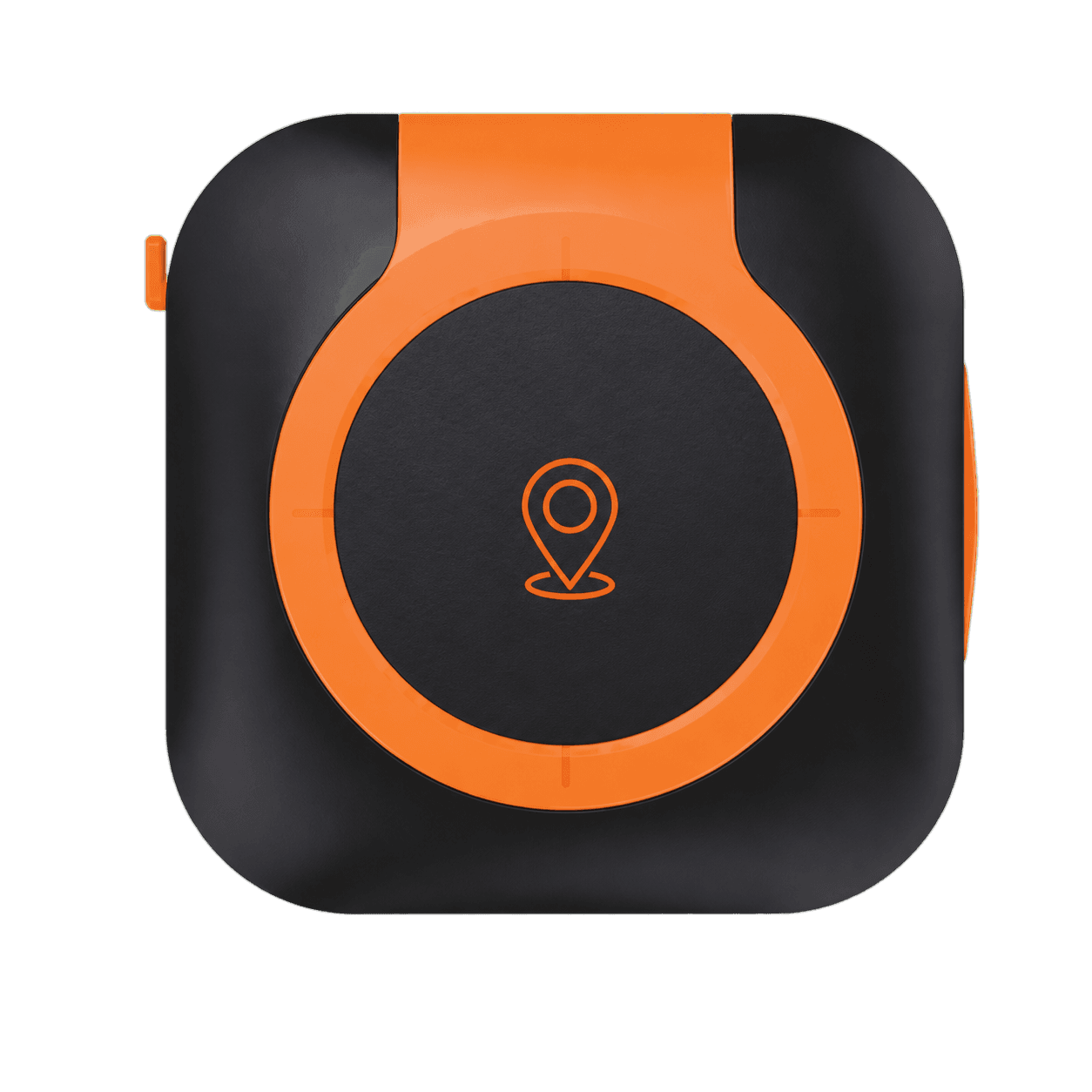
C08 Pet GPS Tracker
Its compact/lightweight direction, app connectivity, multiple appearance options and indicated 15+ functions make it a candidate for branded connected-pet projects. Confirm the exact enabled function list and market service.
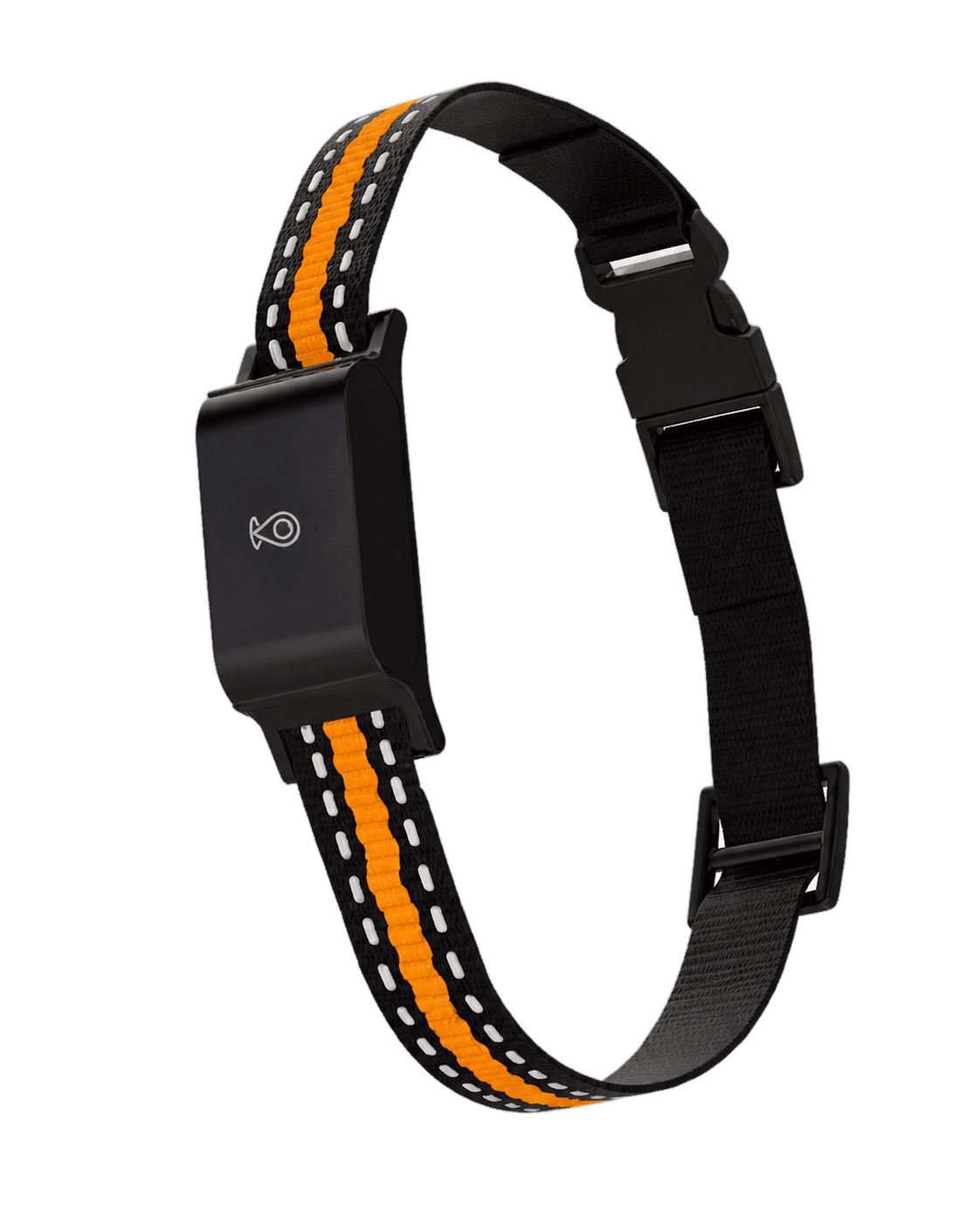
C09 Pet GPS Tracker
Its IP65, durable construction, long-standby positioning, convenient charging and app control support outdoor-oriented projects. Confirm active-use battery and the complete software/service configuration.

11. App and Cloud RFQ Checklist
- List target countries, languages, iOS/Android versions and planned device volume.
- Define shared app, white-label skin, dedicated listing or buyer-controlled platform.
- Request the full data-flow and subprocessor diagram.
- Confirm hardware, firmware, app, cloud and connectivity owners.
- Request fixed and per-device costs for at least three years.
- Define subscription plans, billing owner and expired-plan behavior.
- Confirm map, notification, analytics and payment dependencies.
- Review privacy, security, retention and incident obligations.
- Test APIs, OTA process, account transfer and data deletion.
- Agree uptime, response, backup, recovery and end-of-life support.
- Write migration, export and exit terms.
- Test the exact configuration using the pet GPS tracker sample-testing checklist.
Connect these requirements to model selection, MOQ, packaging and quality control using the Pet GPS Tracker OEM, Wholesale & Private Label Guide. Haolinc’s OEM/ODM service, private-label customization guide and factory and quality-control overview can support the project definition.
Conclusion
A reliable pet GPS tracker project requires more than a functioning sample. The buyer needs a sustainable app and cloud operating model with clear ownership, predictable cost, documented security, tested onboarding, measurable service levels and a realistic exit path.
Brands that evaluate these issues before ordering can reduce hidden costs, avoid platform lock-in and build a better customer experience. The result is a connected product that remains supportable after the first shipment and the first app update.
